Streamripping democracy
Tips for watching the upcoming legislative season: tracking livestreams, legislative sessions, and senate hearings.
Happy new year! It’s been a while since I did a more tech-focused post that wasn’t specifically about misinformation in the media, and I’m not sure I’ve done a tech how-to yet, so why not kick of 2026 with something different? If this is useful for you, please drop me a line!
The code that formed the genesis of this particular post came up initially out of necessity, then curiosity, and finally because it’s very hard for me to stop poking at puzzles once I start them. If you’re like me, you learn best by following along, so I’ve created an airtable to the right with various options. Note that as most legislatures are bicameral, and most use the same platform, only one or the other may be listed as an example per state. Find one you’re interested in monitoring this legislative season, and follow along.
Introduction
It’s hard to summarize 2025, but suffice to say a lot happened, and an awful lot of it happened all at once. Just as we needed to have all eyes on every hearing and proceeding making sure something roughly resembling democracy survives the next few years, reports began raising alarms about huge amounts of content disappearing from the internet. This was especially true related to past administrations, but also extended to unexpected categories like purges of medical information from the National Institutes of Health as I talked about here. While people scrambled to the livestreams and, whenever possible, posted updates as they happened, the sheer size and scale of the project was too much for any one person. Even the most well-resourced groups felt a strain this year trying to keep up with the pace. One of the side effects of this has been a renewed interested in amateur archivists who preserve history as it happens. As Decemeber draws to a close, and I think about what I have to add to the moment relying on the lessons from last year, what came to mind was that we need to get as many eyes on the system as possible.
As you are no doubt aware, potential bills in the United States are pre-filed throughout the year with the highest concentration typically in late Autumn. Early January marks the beginning of most legislative sessions, with the first few weeks tending to naturally focus on those that were filed in advance. Over the last eight years, these have tended to be the “culture war” bills which target minority groups and advance strictly partisan agendas.
For the few brave souls that do follow along during the initial onslaught to identify new threats against our communities in real-time, there are always more hearings than people. Suffice to say, we’re in an “all hands” situation at the moment, and in light of that, this tutorial will talk about the various ways federal, state, and city governments within the United States choose to display information related to public hearings and legislation.
My aim is to expand upon what exists already by adding an overview of how states serve this content, available pre-existing tools and a handful of command-line shortcuts that will help users stream, rip, and transcribe these hearings to make them more transparent and more accessible to the wider world. Feel free to reach out if there’s a particular platform that isn’t covered or you would like to see. As always, none of this is intended to violate state or federal law so please observe local regulations.
The basics
As of 2025, nearly all state legislatures stream and/or archive their hearings, and some allow you to download them directly from the site. How easy to use, and how committed to accessibility they are however, varies enormously by state.
Regardless of where you are, there are many ways to watch bills and hearings, and while they’re at times painfully boring, sometimes it’s testimony on the floor or comments from the board that matter most, and when you spot something, being able to document it can be extremely important. Some states like as Massachusetts self-host archived sessions as fully-contained video files you can right-click and download right from the contextual menu like any other file. It’s not always that easy, however.
right-click menu on Massachusetts legislature archive page.
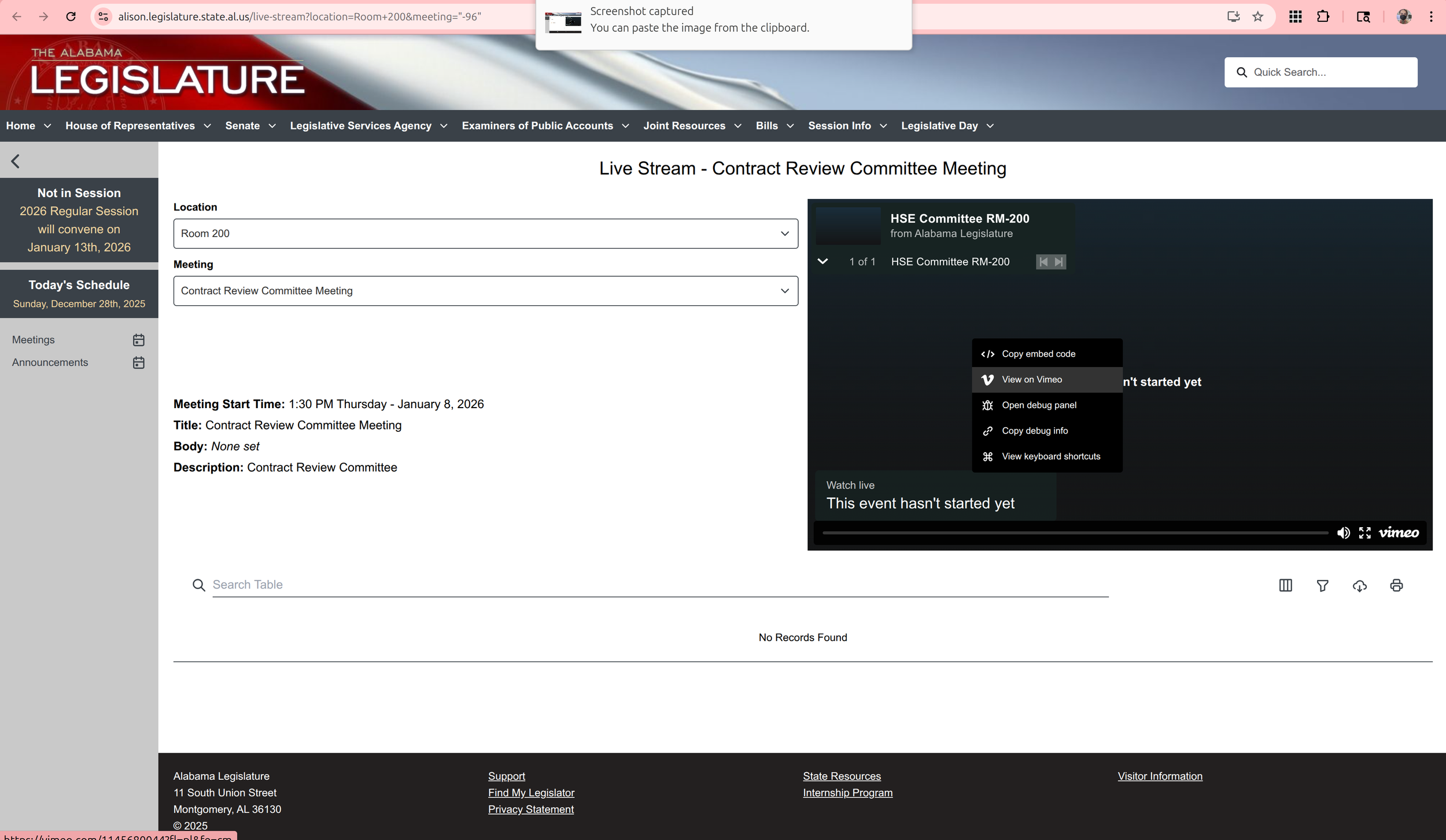
Alabama uses Vimeo. Clicking through to their account gets to all streams
In states fully committed to accessibility and transparency, these either include the closed captions or they are embedded directly in the video files. Both options have their advantages, but all states should realistically have a fully-downloadable transcript if we were truly committed to the principles of accessibility and transparency. While Massachusetts has the captions embedded directly into the video files, these aren’t searchable as an index while means uses who want to skip around to specific topics or see if an issue was discussed have to watch the whole video. This is extraordinarily time consuming. Aside from the accessibility issue, it' also makes remote content analysis difficult for people trying to monitor the machinations of local government.
This post will touch on various accessible streams in different states, and when the above accessibility or transparency features aren’t available, I’ll go over how to create them for yourself.
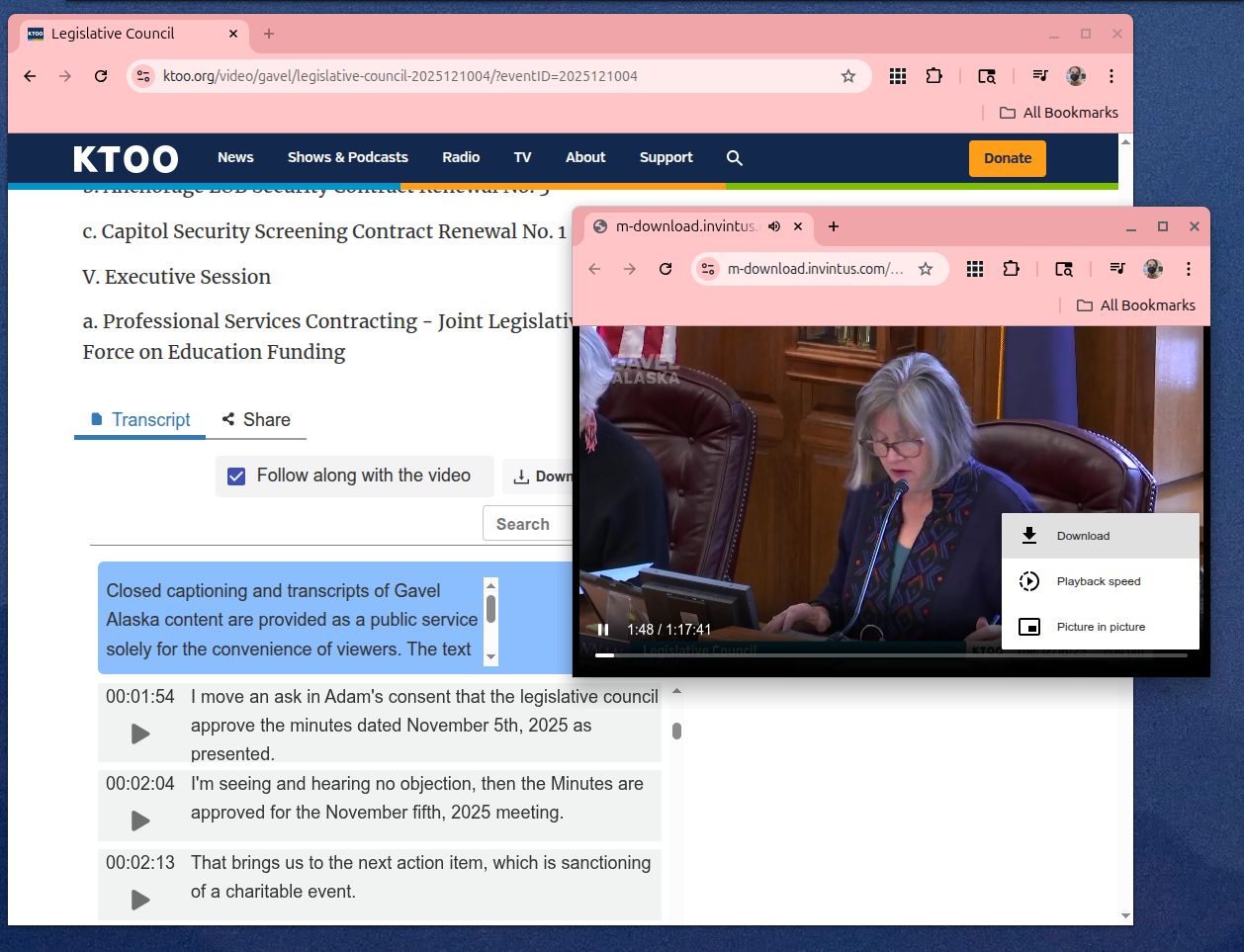
Alaska offers a surprisingly rich suite of features, with easy download options on KTOO, the local public radio station.
Federally, Congress has one of the largest hosts of transparency features, with the federal register and congressional record serving as a searchable ultra-index. For example, using this search bar below the Senate livestream, you can search all hearings and transcripts for sessions containing your search parameters. Starting in the late 1970’s, the Cable-Satellite Public Affairs Network (aka C-SPAN) was created to make the workings of government visible to the public (see the highly comprehensive Wikipedia entry for more). This still exists today, and both Congress and the Supreme Court are regularly streamed unless the hearing is classified or otherwise private. Nearly all are available on YouTube as they happen, many streamed by the Library of Congress.
With respect to these, packages like Youtube-DL allow you to easily download them with a straightforward text-based interface, although Google/Alphabet keeps changing how they serve videos in an attempt to break downloader tools. Updates are regularly pushed, although your mileage may vary as monetization increasingly incentivizes them to crack down. I would recommend using a Github repo, like github.com/ytdl-org to ensure that patches are pushed in a timely fashion.
yt-dlp downloading c-span
Unsurprisingly, many states use common social media platforms as well. Kansas uses Youtube to stream hearings, while Alabama inexplicably seems to use Vimeo (although equally inexplicably appears to delete the archives every year.) There are a variety of streamrippers available online, so I won’t go into them in detail. That being said, most of them are crawling with malware so stick to FOSS, especially github. While yt-dlp has gone through many revisions, most of what we’ll do after this portion of the tutorial will use a similar technique to how the script works. There are also graphical interfaces.
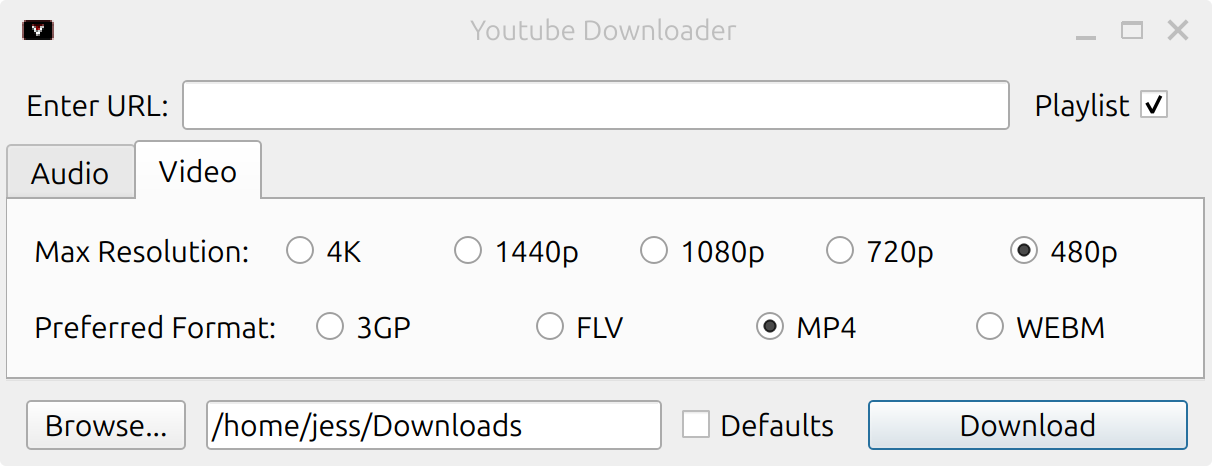
If you’re already familiar with the command-line and you would rather use a CLI tool, paste this into a shell or directly into your bash/zsh profile. It relies on just common packages most terminals should come with pre-installed, alongside FFmpeg, which can be downloaded here. FFMpeg powers audio/video for many modern operating systems, and may already be installed as well. When you want to grab the video, paste the URL directly into the prompt. FFmpeg will do the rest.
Manually downloading in Chrome
Sometimes, all you want to do is grab the video and go. For self-hosted states, like Ohio, just navigating to your browser network sources tab can be enough (Ctrl-Shift-C). As with Massachusetts, right-clicking is really all there is to it. This time with the added step of needing to find the source in the “network” tab.
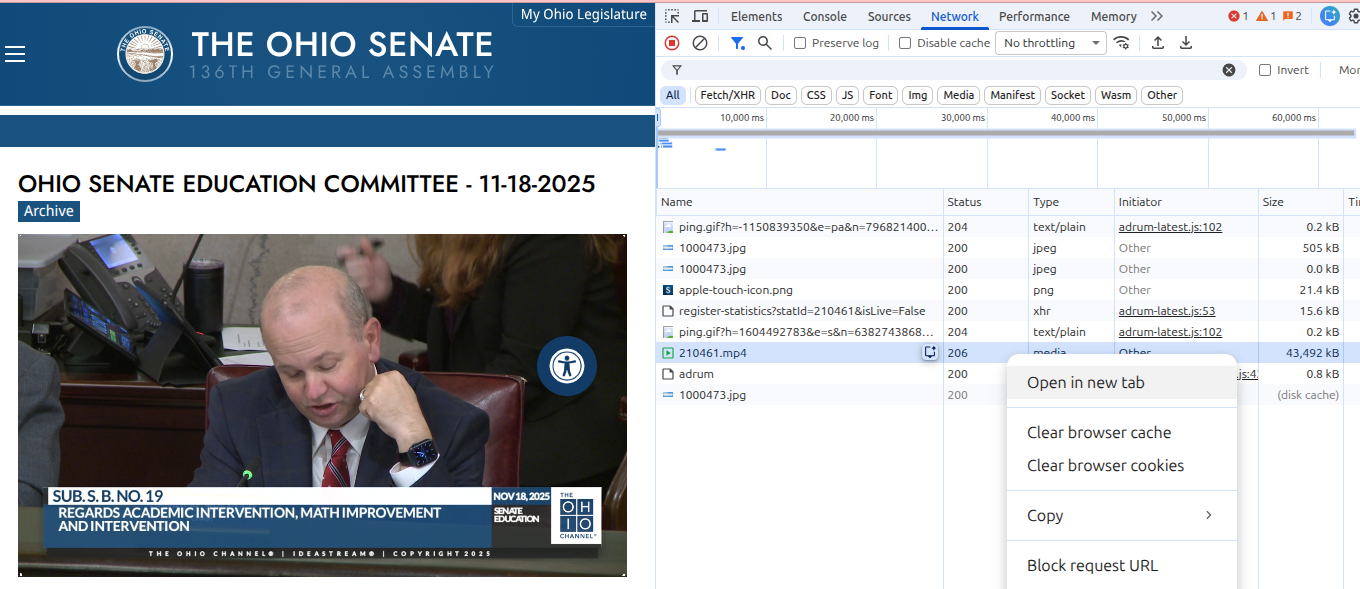
Archived stream from the Ohio Senate Education Committee
Additionally, since Ohio is entirely self-hosted and has closed-captions, turning on the network monitor and watching for subtitles files lets us grab a transcript of the whole hearing in a few seconds. More on working with those files later!
For states which use proprietary software but serve remotely, if follow similar steps (open your browser source inspector, and toggle “Network”) and see a file that says “chunklist” or “media” and ends with m3u/m3u8, copy that URL and skip ahead. While most of the options from here on out will focus on using a free open source video software package called FFMpeg, that doesn’t mean you have to use the command-line. If you’re feeling less adventurous, you can use a graphical interface like WinFF (Windows) or QWinFF (Linux + Windows).
New Jersey State Legislature livestream archive
Connecticut offers a helpful form to request the videos, as well as tools for requesting translation. Helpfully, when videos are hosted on YouTube but permissions are set to allow them to be displayed remotely, they can also be grabbed using the method above, or downloaded directly from the browser.
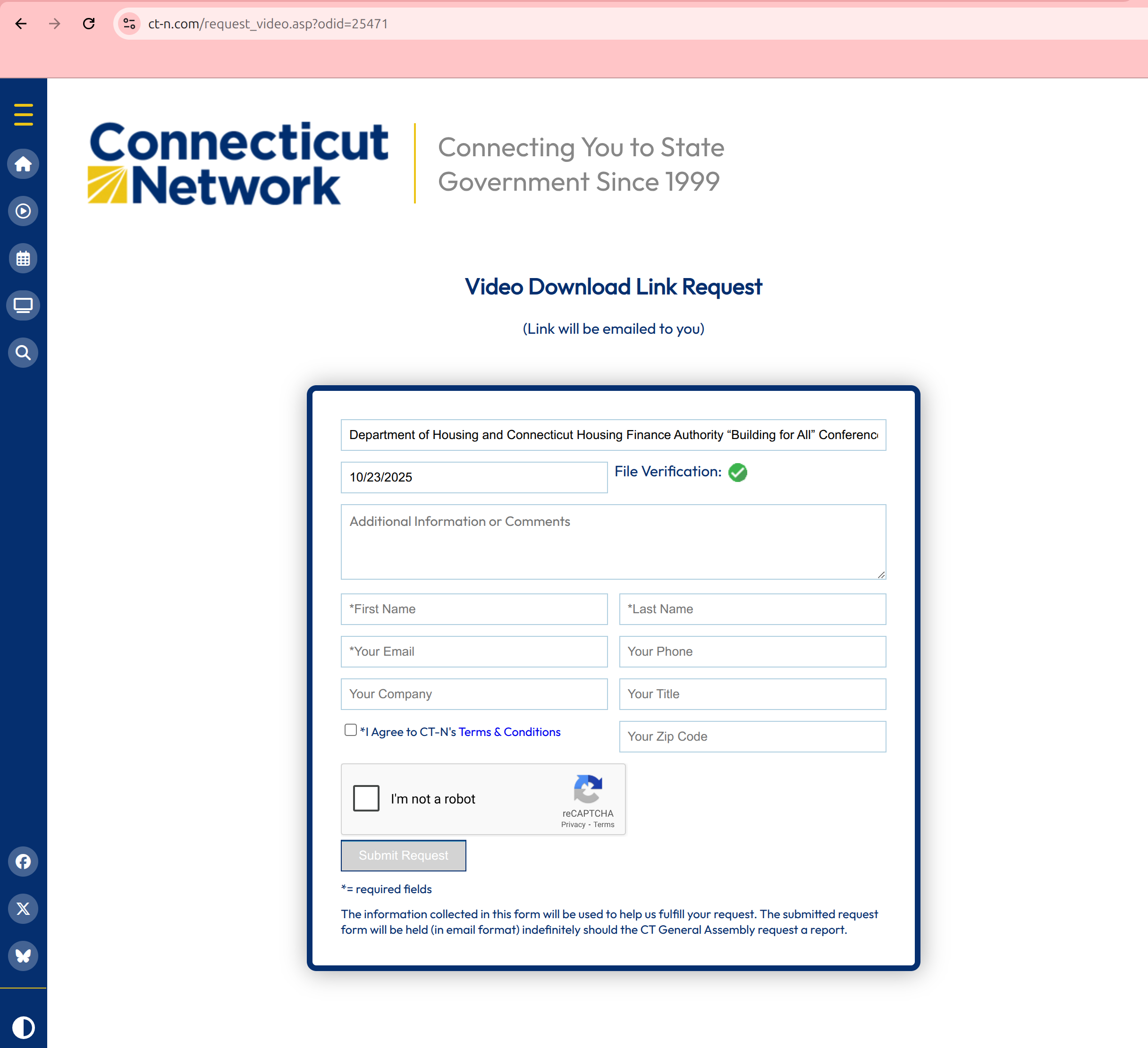
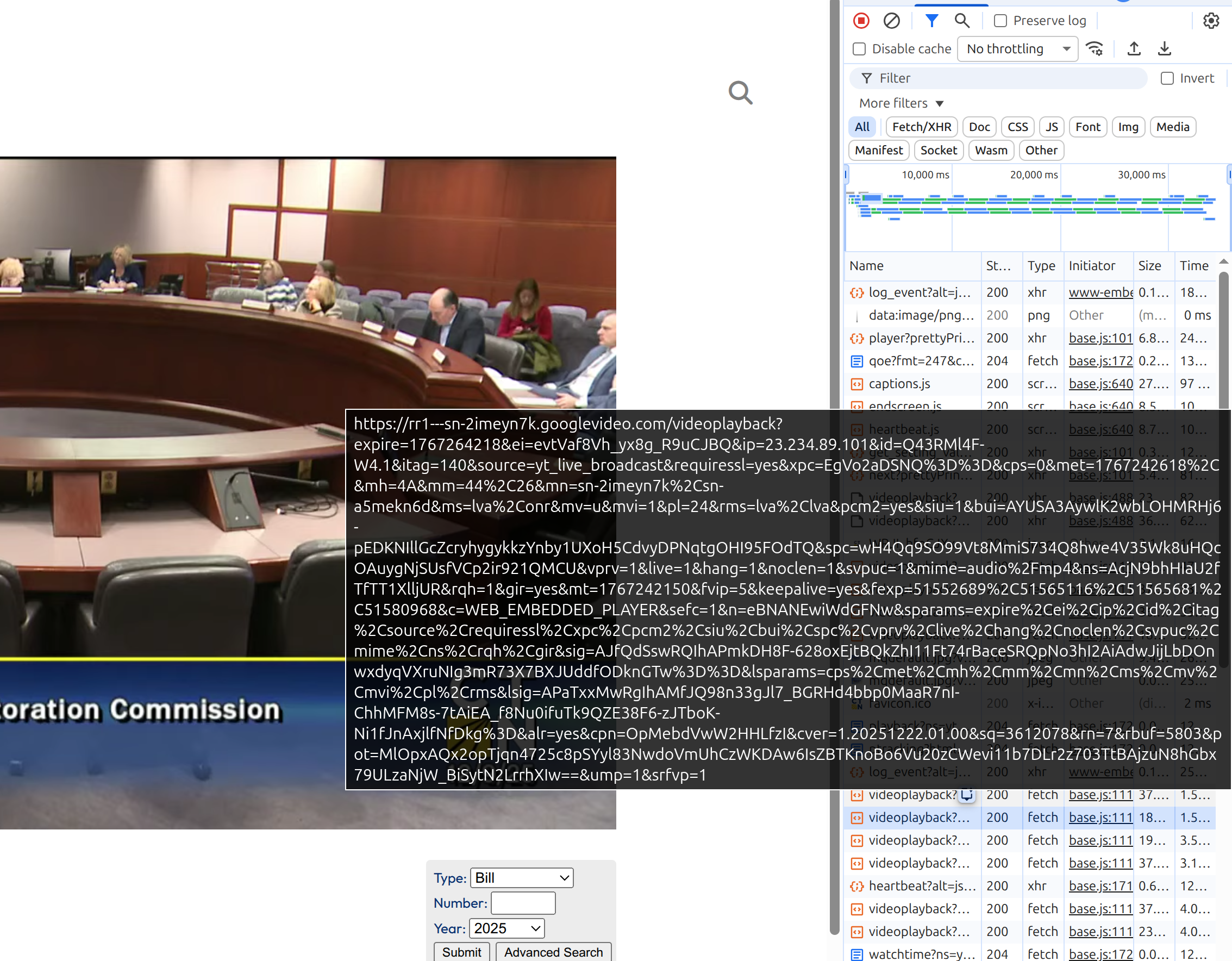
Connecticut direct download through browser
If for whatever reason that doesn’t work, wsing ffmpeg, we can use the URL of the m3u8 file as a source location and output it to a complete mp4, with the following command. After that, let it run! Since this is a 5 hour video, I’ve clipped the other 30 minutes of virtually identical terminal output for both of our benefits.
ffmpeg -i [stream] -c copy output.mp4
Starting local: Sliq, Granicus and Invintus
Many state legislatures, such as Arkansas, Maine, New Mexico, and Montana, use front-end software which often used by city governments and other state functions like school boards.
Arguably the easiest to use is Granicus, used by cities like Sacramento and Clearwater. Since many Granicus implementations are hosted on the company domain, a google search can show you live examples here. As you can see, Granicus is extremely straightforward, and often displays a clear, easy to find “download” option. In the default view, hearings are shown next to handouts and the agenda, making it easy to follow along at home.
Similar but more popular at the state level, Sliq’s media platform allows anyone to livestream hearings and/or stream archives in both video and audio, as well as access the agenda and any handouts presented during the day. To get a sense of the features, North Dakota released a press release outlining their reasons for moving to the Sliq platform in 2017. With a few exceptions, however, it makes saving the video quite difficult if the admin hasn’t chosen to make it available. Sometimes it’s possible to grab the stream using the inspector as shown above, but sometimes you’re in a hurry.
The following shortcut will turn “grab_mp4” into a command you can toggle any time. It will prompt for a URL and search the contents for the playlist. It then pipes that into FFMpeg, similar to yt-dlp above.
While exactly how easy to use they are varies by state and platform, there are a handful of major options currently in use around the country for delivering audio and video of local hearings and legislative votes. The two most popular, Sliq and Invintus work roughly the same way by streaming media first served by a playlist. The most straightforward of these is Sliq, even if the interface hasn’t evolved much since the Obama years.
So how does Sliq work? Similar to other types of streaming (eg, YoutTube) the stream is served in 10 second clips, typically labeled “media_ts” by default. When a user clicks on the livestream, it requests an .m3u8 playlist file. These types of files were originally used to serve songs and other recordings in a particular order during the beginning of internet radio stations, notably, created by WinAmp. An m3u/m3u8 file is not itself a media file, but rather a track listing pointing to the location of source files. In Sliq’s case, these are broken down into the aforementioned chunks, and served up consecutively. However, users can bypass the instructions to serve then one after another, and instead request the location of all chunks, request these, and then transcode them as a unified movie file on your computer.
In some instances, such as with a livestream, a placeholder URL may stand in for whatever is broadcasting live. In that case, we can take advantage of the “location” (-L) argument in cURL, and instruct ffmpeg to encode as it goes.
The following is an example of the Arizona State Legislature’s livestream which uses the Ininvtus platform, and can be accessed freely at azleg.gov/actvlive. Using a modified version of the code above, we can pass the target URL into curl but instruct it to follow the URL to the destination, parse the playlist URI and pass that to ffmpeg.
Since in some cases, multiple streams will be served at once, I’ve also added a version of the shortcut with the “translate” command added to the pipe, which converts apostrophes to new lines, making it easier to sift through the output. In a curl|grep pipe the “-m 1” argument in grep will grab the first match, allowing it to be passed to the transcoder. I’ve included a one-liner for counting the streams on a page, but will be releasing a specific Rhode Island script since the “RI Capital TV” website is a bit of a nightmare on the backend.
For livestreams like Arizona’s ACTC Live, it is also a good idea to set a maximum segment length. The code below saves the livestream in 20 minute chunks. Using ffmpeg’s “concat" function can later merge the streams if one is cut off, or you need to exit (ctrl-C) the stream.
In the below example, the stream will be saved to a serious of chunks named prefix_001.mp4 etc, where the prefix is the text you enter after the prompt.
Putting it all together
If you’re still following and want to run these as a unified script, head over to the github repo! In this example, a quick regex detects which platform is being used and rips the stream accordingly.
Searching inside hearing transcripts
Most of these platforms contain embedded subtitles, and some contain transcripts — although this is noticeably less common. While most implementations I’ve seen of Sliq don’t share transcripts automatically, that’s not universally true, and when they aren’t shared, however, a side effect of how Sliq embeds subtitles can be used to pull out the text and search the contents. This code snippet, for example, can be used to print the subtitles to the console.
This also means that if we have a long video and a short amount of time, and aren’t sure if the video we’re looking at contains the topic we’re looking to learn about, we can use another command-line trick to quickly find out in a way that doesn’t involved hopelessly searching through hours of video.
Let’s say you have 30 minutes and a 15 hour hearing and you need to know if the one you’ve chosen contains discussions about rules and procedures. In linux we can use grep and regular expressions (aka regex), alongside jq to search the subtitles. Like the one above, this script will prompt you for the target URL, and for a keyword. In the example below, the script searched this 90 minute recording for every instance of the word “order” in less than 4 seconds.
What’s more, now that we’ve saved it as a shortcut using “alias”, we can run the script by typing “kw_s” into the terminal any time we want. While right now it’s mostly proof of concept, if you need to poke through a whole archive, this will save you potentially hours. Embedding this alias in your local profile means that you can access the shortcut any time without having to pass the “alias” command first.
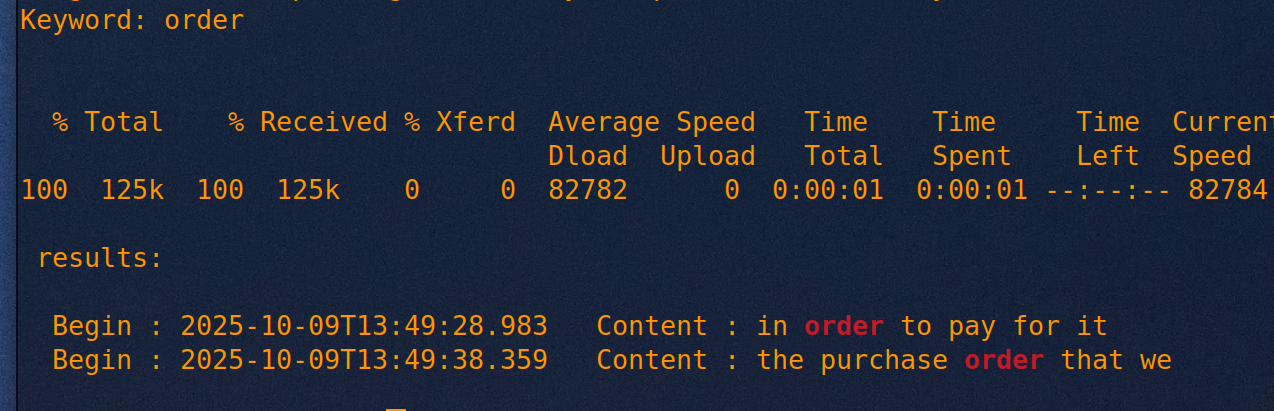
Here it shows the timestamp on the video and the exact second where the word is used. In the event the word isn’t used during the recording, no results are shown.
With the exception of Sliq, most subtitles are handled on streaming media (outside of proprietary systems like Netflix or Disney+ which are beyond the scope of this) using subtitle-specific formats like WebVTT. Using the file downloaded in the Ohio example in a previous section, we can convert this into a full transcript. Obviously this isn’t necessarily the best way or the most practical, but it gives an example of how the tools listed above can be mixed and matched to fit the platform. For someone in a hurry, this is a good start.
Using the above code: copy the location of the subtitles playlist URL and type “expsub” into a terminal. The text will automatically “expand” into the terminal with a complete transcript within a few seconds, depending on data transfer speeds.
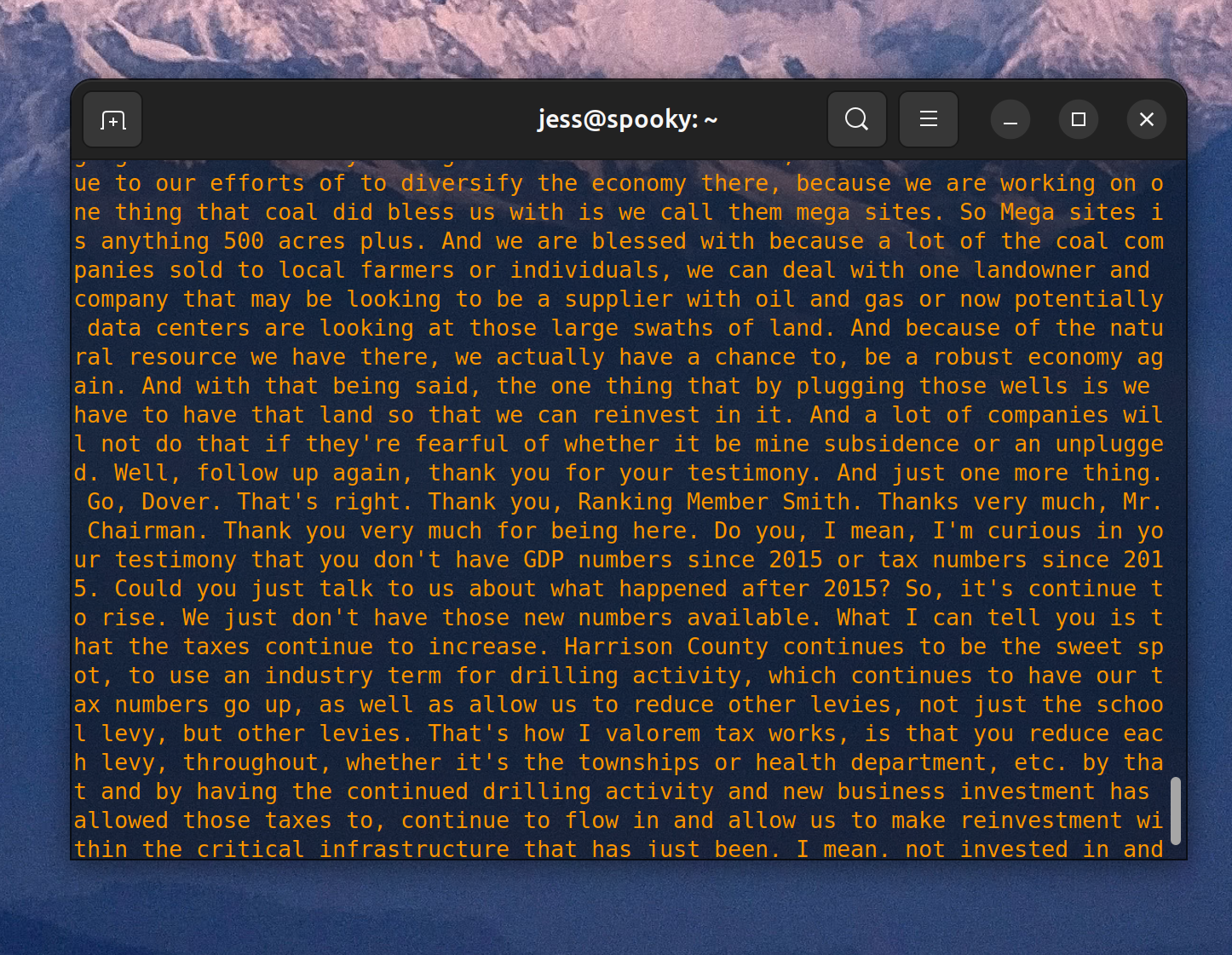
DIY Transcription
I won’t spend much time on this as transcription is a whole topic in and of itself, but suffice to say there are several excellent options available to convert speech to text. Machine learning has made this fairly trivial, and while I’m highly skeptical of LLMs for most uses, it’s hard to miss that there’s a single option which outshines all others when it comes to transcription.
Of all the options I sampled, the most visually appealing is Scriberr, which takes advantage of Ollama and Whisper, the former an open-source output of Meta, the latter of OpenAI. Although I’ve demonstrated Ollama elsewhere, I trust neither parent company and therefore have a personal policy of never using LLMs on my local device unless they’re nicely sandboxed inside a virtual machine. Scriberr provides a graphical interface via a local web browser, and Homebrew makes the install process fairly trivial. That being said, working out the bugs on a local installation is fairly harrowing: many of the options break easily out of the box, and after a few harrowing hours of trying to fix it, Scriberr re-downloaded the 6gb NVIDIA Parakeet model 6 times.
Scriberr “quick transcript” option running in VM
quick transcribe output
A vastly easier to install option is WhisperX, a free implementation of OpenAI’s Whisper architecture. Whisper works easily on the command line, and can be installed with python3/pip. While Scriberr has a command-line version that can easily be rolled into a project like the one I’ve laid out above, it feels a little bit like using dynamite to unclog a drain. For this reason, the example I’ve included in github uses WhisperX, which has all of the benefits and none of the headache— save for that battery-acid taste in your mouth of using OpenAI products.
When running livestream rip, enabling -segment_list feature will create a local m3u8 file that can then be monitored using this command in another shell. As new complete videos are finished and new segments start, the recently added video will be passed to WhisperX for transcription.
